Your first game
This walks through the path most people follow on day one: pick a game, install a mod, launch the game with it.
1. Pick a game
Open Zephyr and click the Home icon in the sidebar to reach the dashboard - every supported game listed in a grid, grouped by mod loader, with any games you've starred shown in a Favorites section at the top.
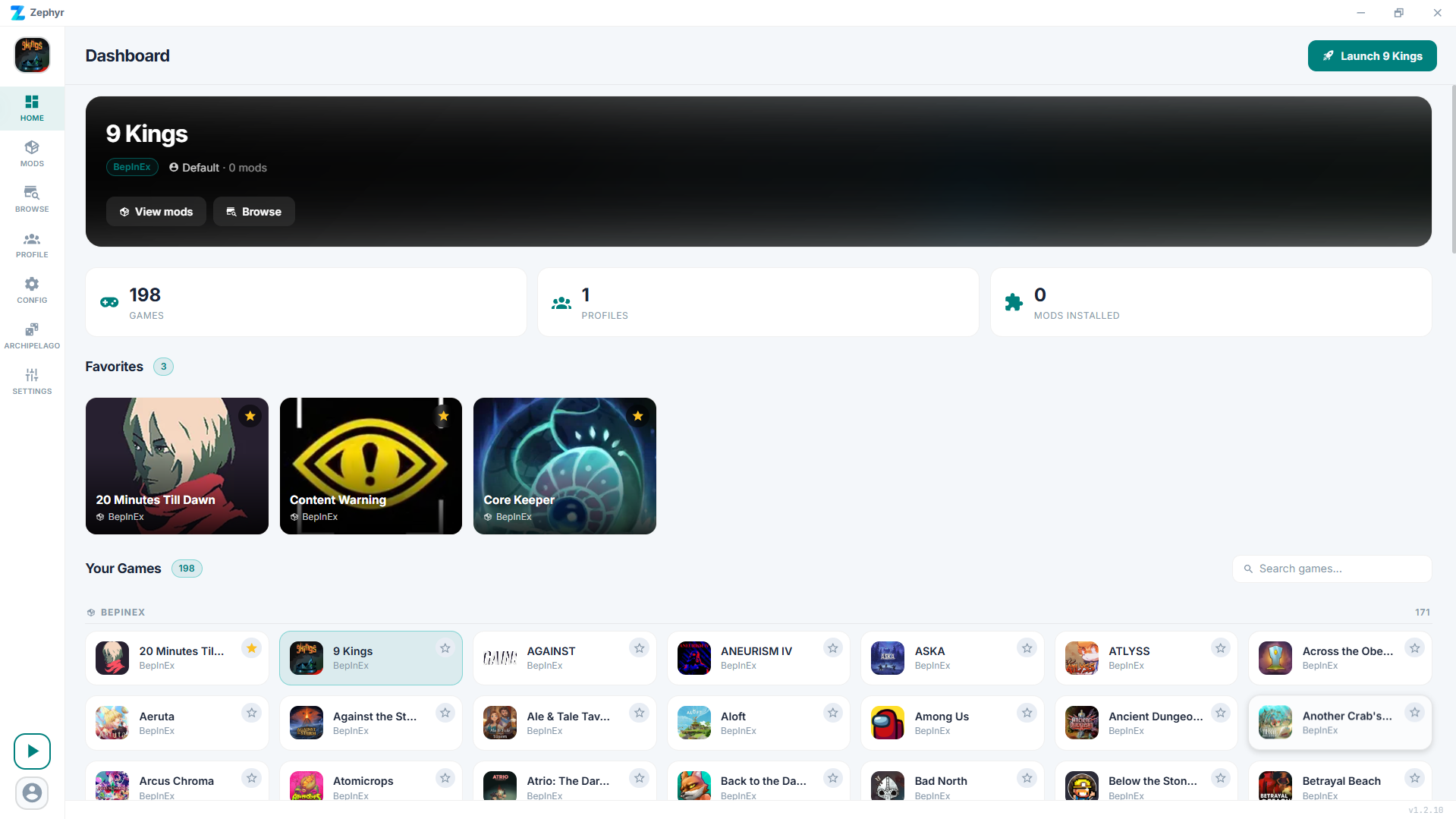
Click the game you want to mod. If you don't see it, use the search box on the dashboard - it matches partial names.
The first time you pick a game, Zephyr asks you to point at the game's install folder if it can't auto-detect it via Steam, Xbox, or whichever launcher the game ships through.
2. Browse mods
Once a game is selected the sidebar shows the standard set of pages: Home, Mods, Browse, Profile, Config, Archipelago, and Settings.
Click Browse. You'll see mods from Thunderstore and (for supported games) CurseForge in one merged list, each card showing where it comes from.
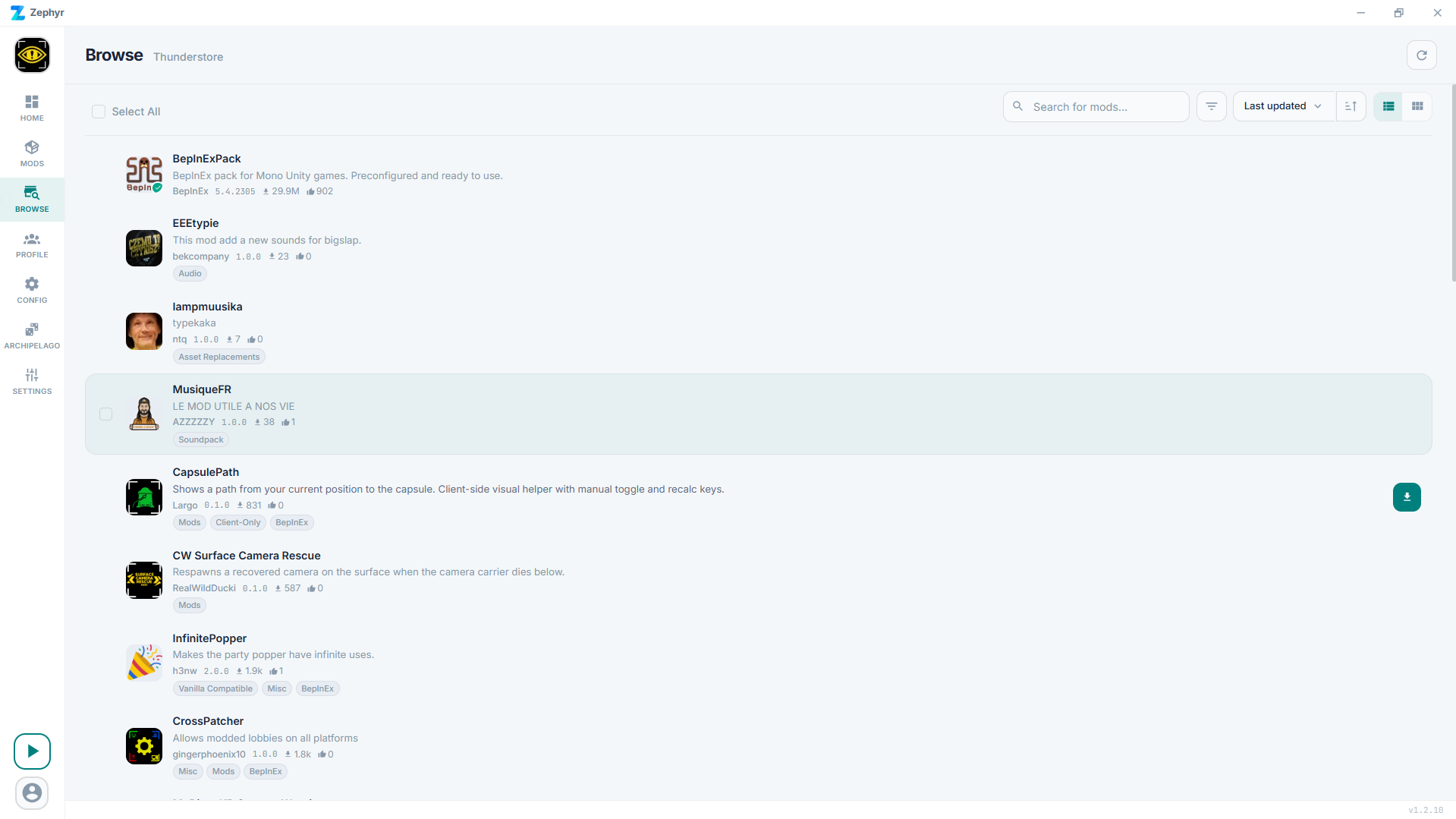
Use the search bar to find something. Filters let you narrow by category and toggle deprecated/NSFW visibility. Click a mod to see its readme, screenshots, and version history.
3. Install
Click Install on the mod card. Zephyr resolves dependencies, downloads everything, and adds the mod to your active profile. A toast confirms when it's done.
If the mod has dependencies you don't have yet, they're installed alongside it automatically.
4. Launch the game
Click the green play button in the bottom-left of the sidebar and pick Play modded. Zephyr launches the game with your mods loaded. For BepInEx-based games it sets up BepInEx the first time; for other modding frameworks it does whatever's appropriate (MelonLoader, etc.). The same menu has a Play vanilla option that launches the game with no mods loaded.
TIP
The first launch after installing BepInEx takes a bit longer because the game has to initialize the modding framework. After that it's normal speed.
What's next
You probably want to:
- Set up a second profile so you can switch between, say, "vanilla+QoL" and "fully modded" without uninstalling everything.
- Edit a mod's config when something needs tweaking.
- Try the randomizer if you're playing one of the Archipelago-supported games.
Or read Core concepts for a quick mental model of how Zephyr is organized.